 MarkHub
MARKHUB DOCUMENTATION
Get to know your workspace.
Clear steps. The actual screens. Find the guide you need and follow along in MarkHub.
From sales to profit,
understand the full picture.
Read your dashboard and explore the results behind each product.
Explore SKU profitability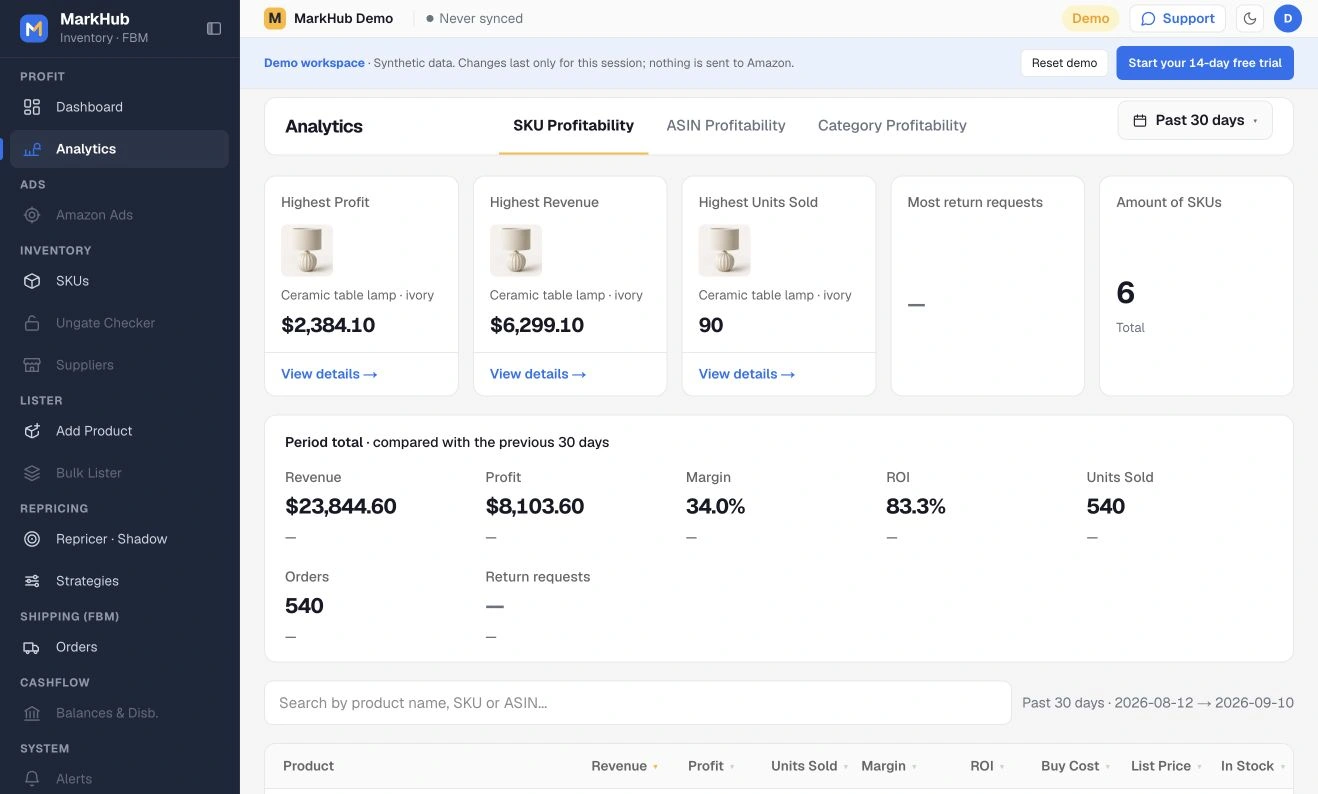
Use a supplier without automatic monitoring
Enter costs manually, keep the supplier link, and configure repricing separately.
Explore the guides
Screen by screenSKU profitability
Follow the numbers from your dashboard to an individual product. See what sold, what it cost, and what remains as profit.
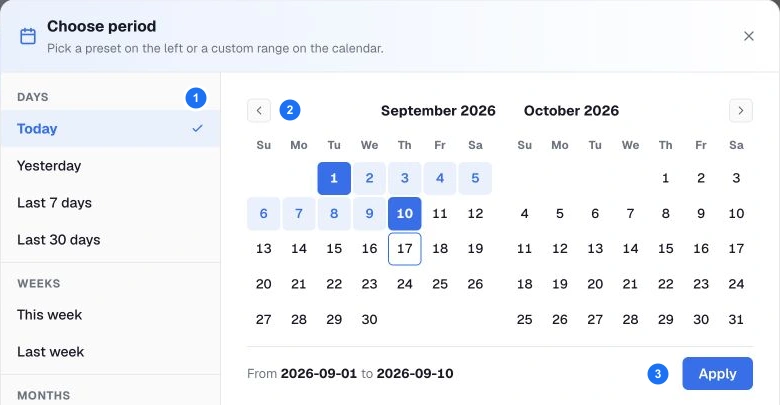
Dates & calendars
Use reporting presets and the calendar with confidence. Check the date range before comparing any two numbers.
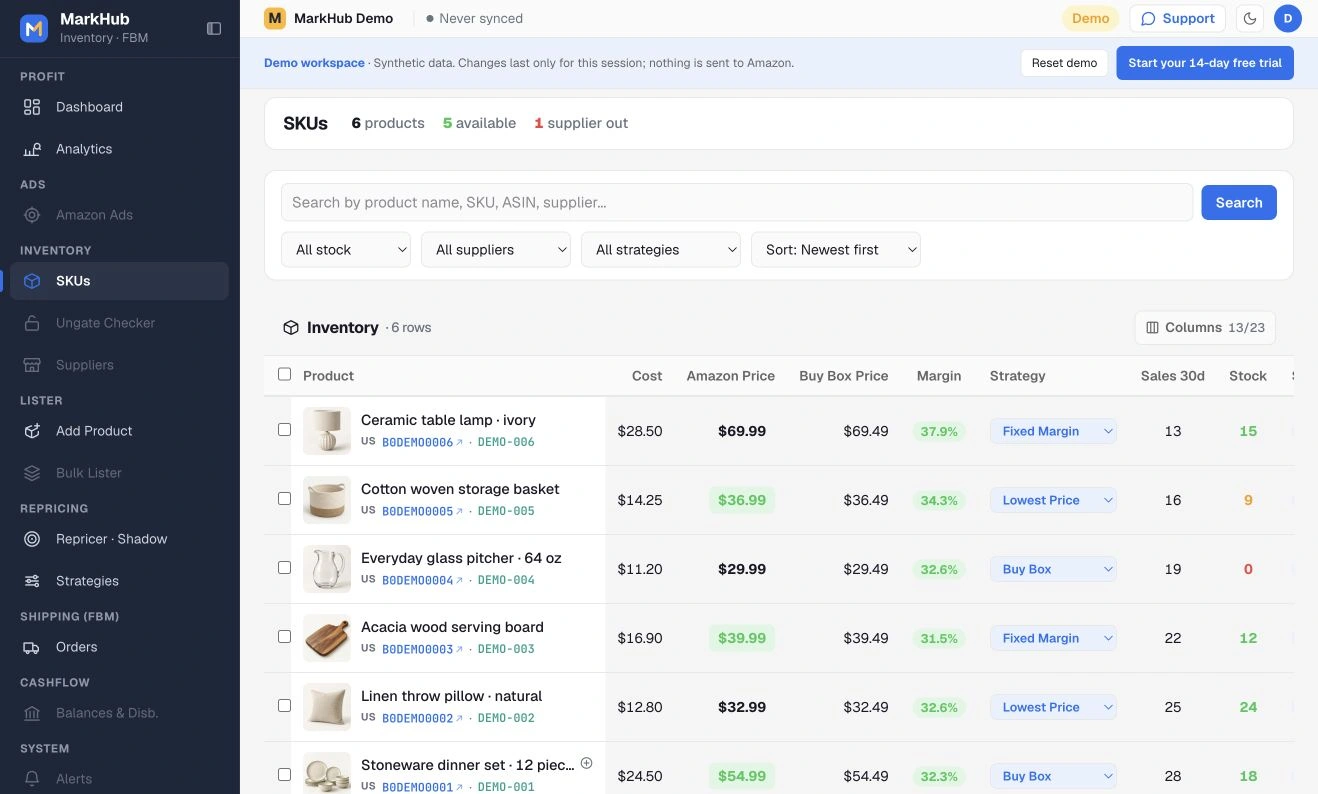
Supplier monitoring
Connect a product to its supplier and understand the separate controls for monitoring, restocking and out-of-stock protection.
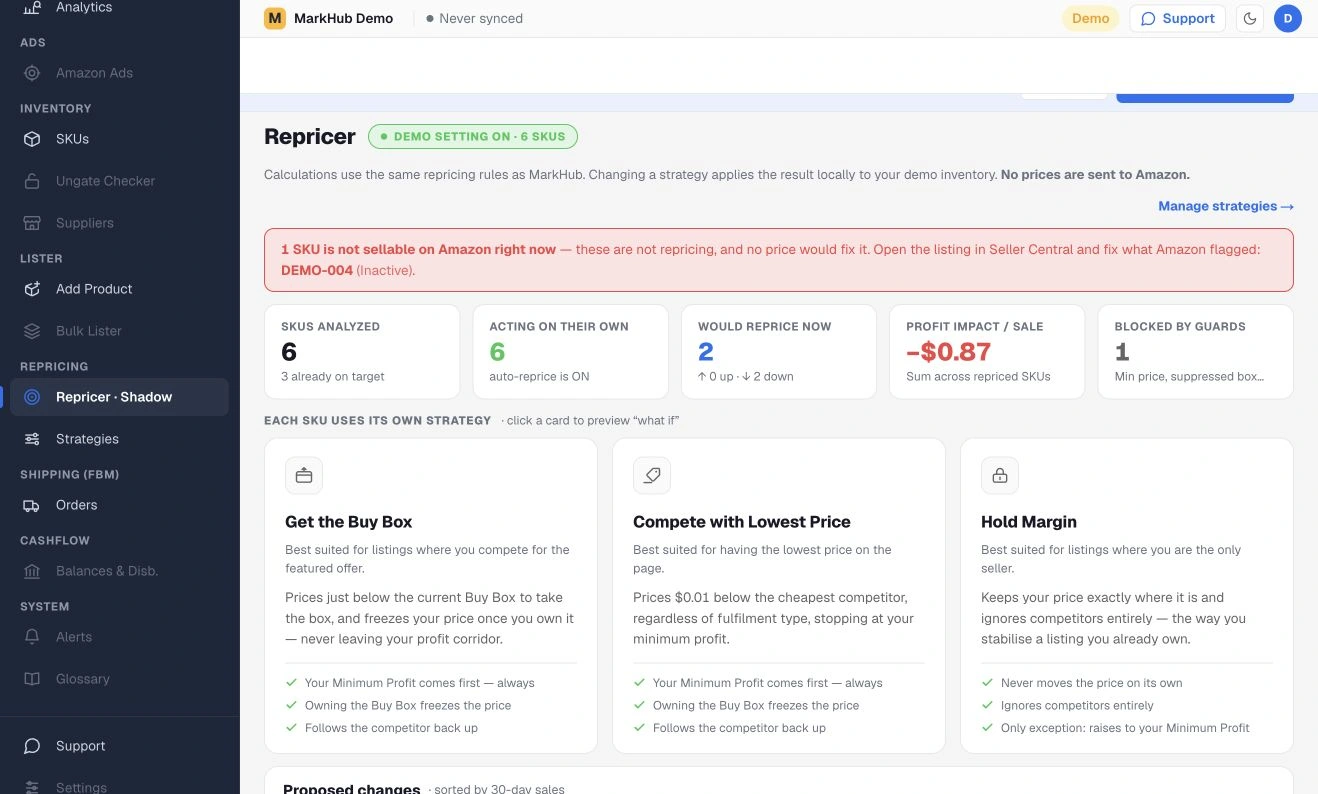
Repricing & strategies
Define your pricing boundaries, assign a strategy and understand the price corridor before enabling automation.
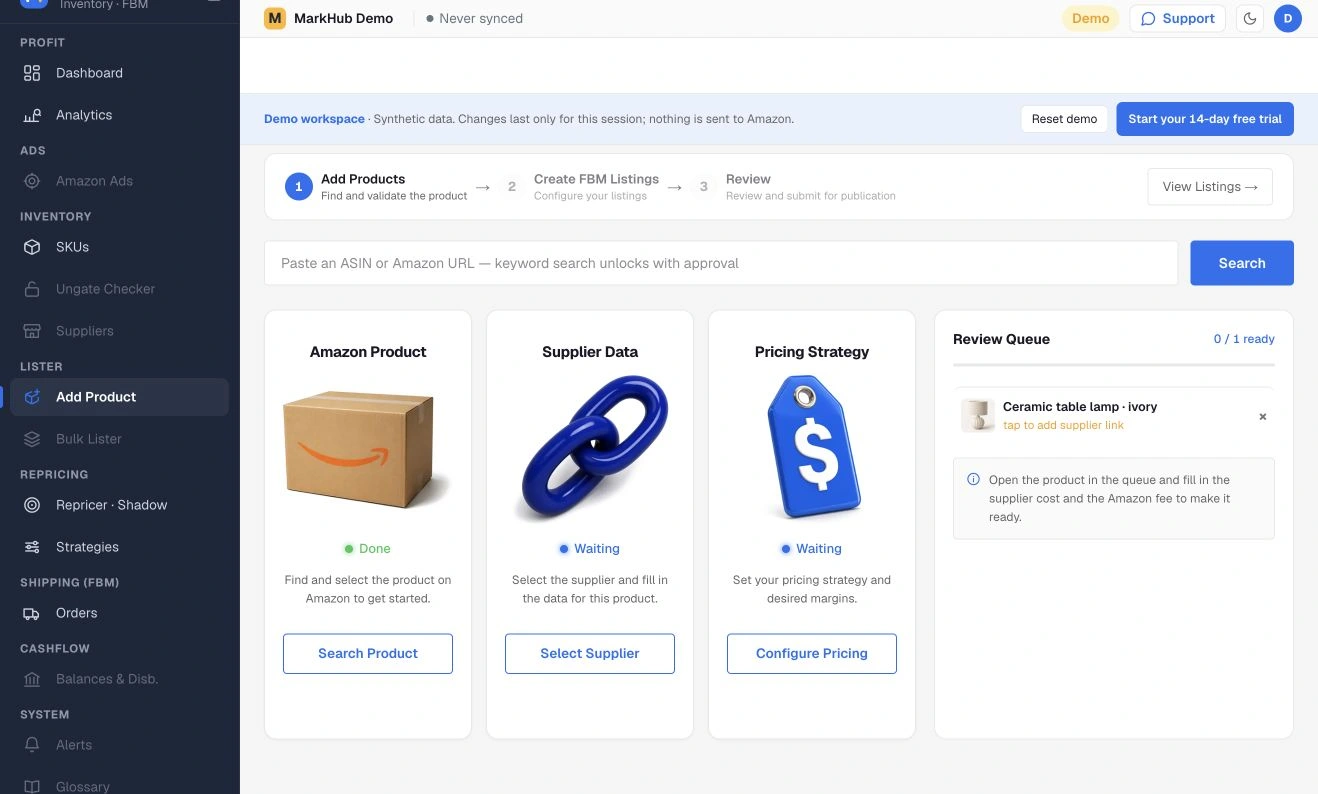
Add a product
Add the correct Amazon product, choose monitored or manual supplier setup, and review costs and repricing before submitting.
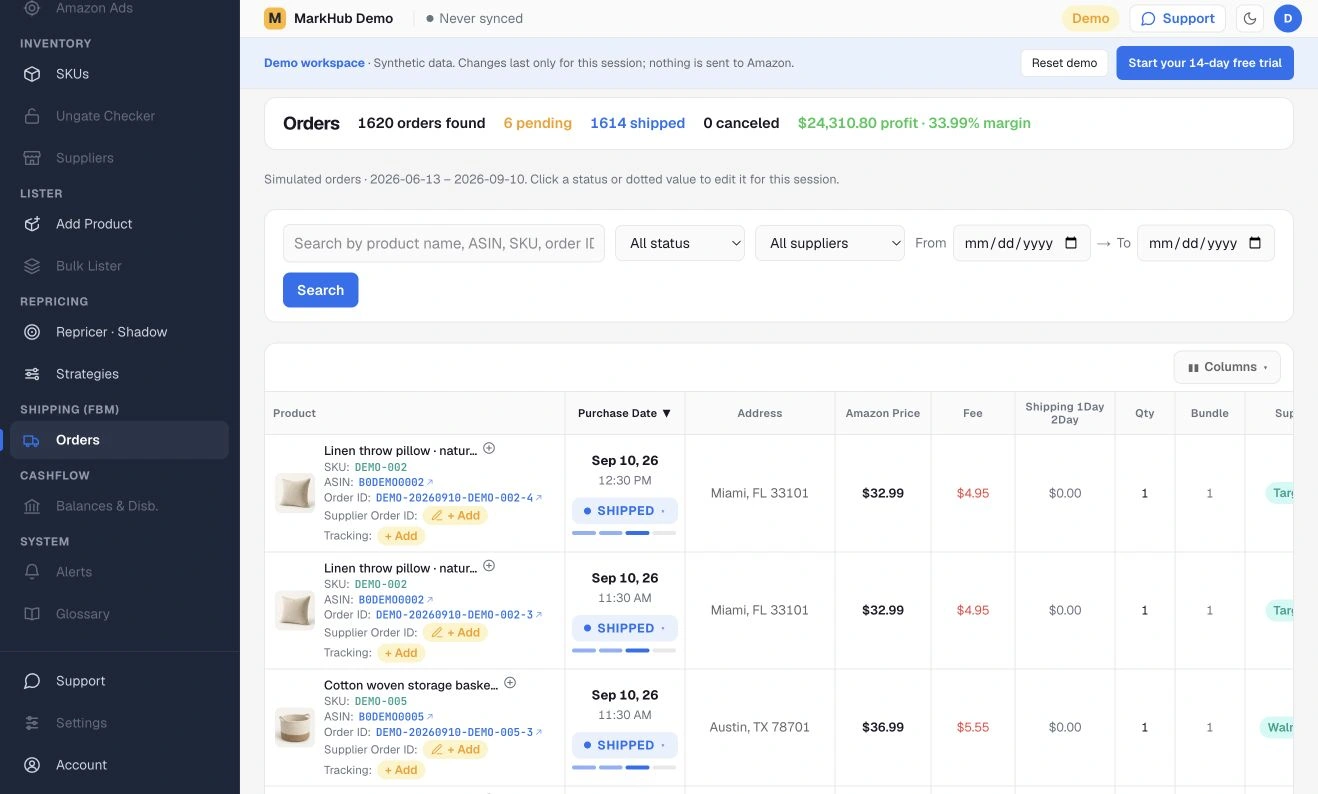
Orders & costs
Find an order, review its status and costs, and use Export CSV to download orders by date, status, supplier or search.
Screenshots show the real MarkHub interface with synthetic demo data. Explanatory diagrams illustrate workflows and are not screenshots. No real customer or store information is displayed.
LET’S WORK THROUGH IT
Need a hand?
Start with our assistant or ask for the support team. Include the screen, the affected SKU or order ID, and what you expected to happen.
Preparing support…
Never send passwords, API keys, tokens, verification codes or buyer personal information. Redact sensitive details from screenshots. Read our security information and privacy policy.